For teams focused on fast, inclusive product design, practical accessibility tools for developers aren’t optional; they’re essential to creating meaningful, user-friendly experiences from the ground up.
Whether running a tight 5-day Design Sprint or launching a new product, building for all users means creating smarter, more sustainable solutions.
In 2025, accessibility tools will have evolved to be faster, easier, and better integrated into modern dev workflows.
This guide covers the top accessibility tools for developers you should know, so you can design and ship with inclusion in mind.
Accessibility Tools for Developers

From automated testing to real-user feedback, here are the top accessibility tools for developers in 2025 that belong in every toolkit.
1. Axe DevTools (by Deque)
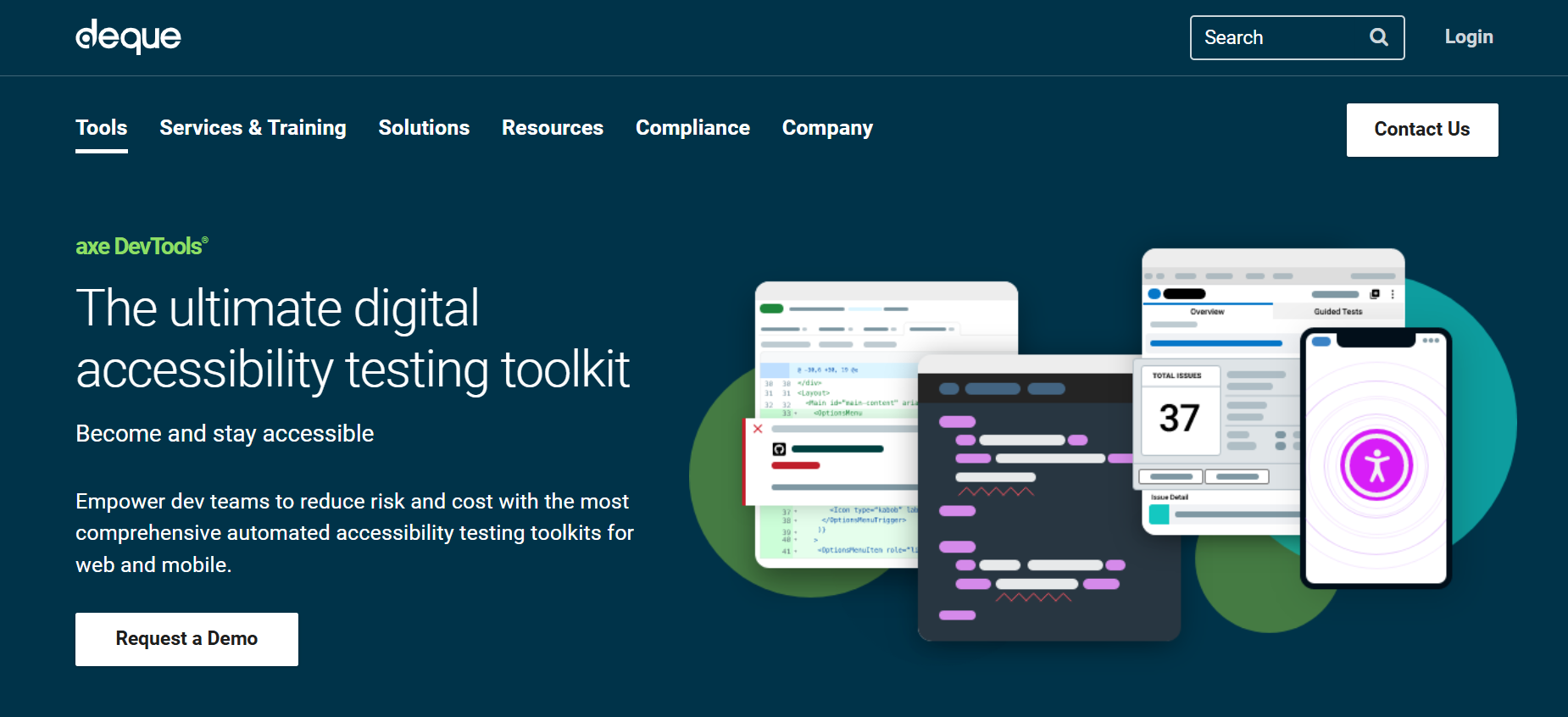
What it is: A powerful Chrome/Firefox extension and dev toolkit for automated accessibility testing.
Why devs love it: axe DevTools integrates seamlessly into browser DevTools and scans pages for accessibility violations.
It provides detailed explanations, code snippets, and remediation guidance, making it ideal for fast-moving teams working with React, Vue, Angular, and more.
Use it during: Prototyping and testing phases of your sprint.
2. WAVE by WebAIM
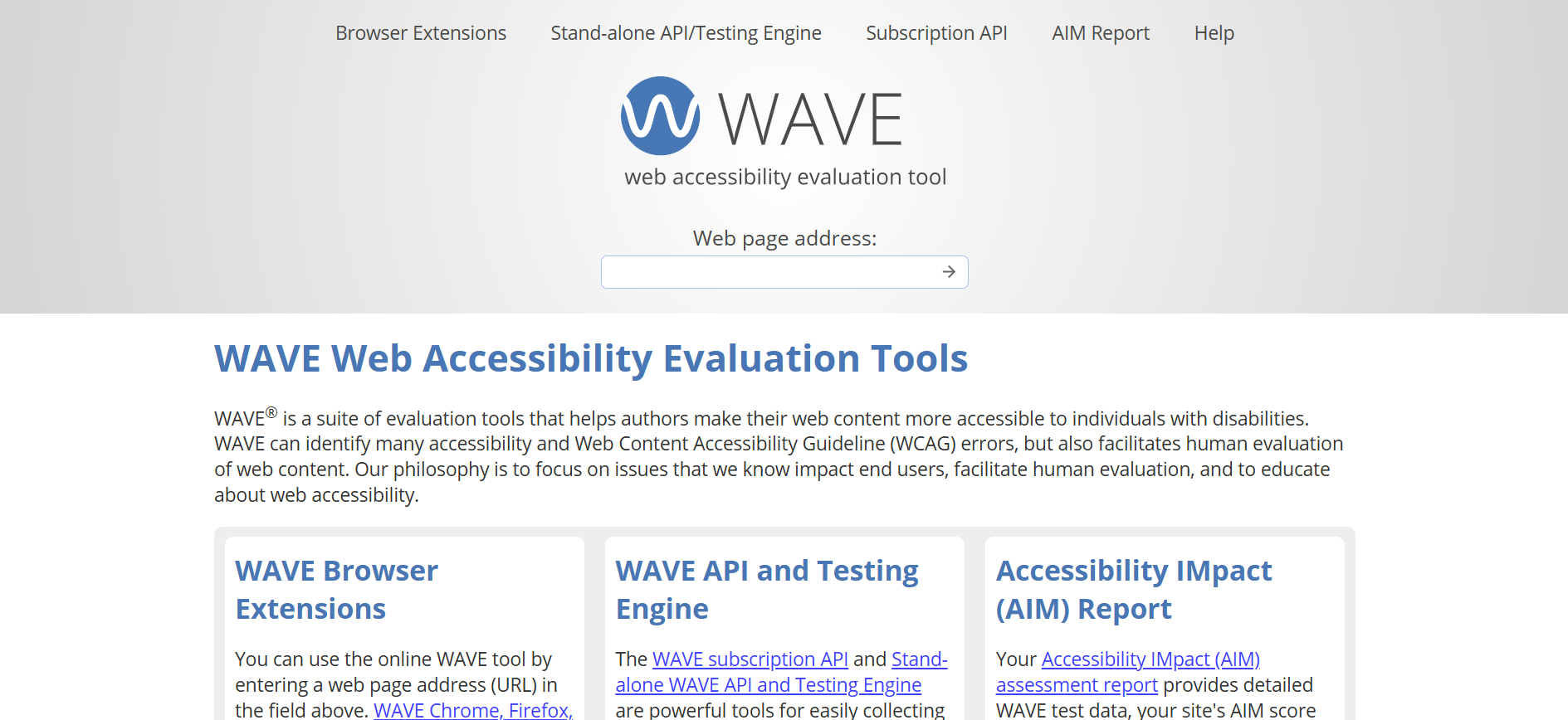
What it is: A browser-based tool that scans any page for accessibility errors and suggests improvements.
Why it’s helpful: WAVE is great for quick scans of wireframes or early mockups. It highlights errors visually on the page, making it easy to see how different issues affect users.
It’s especially useful for evaluating static pages and early design work.
Bonus: It visualizes issues directly on the page.
3. Lighthouse (Chrome DevTools)
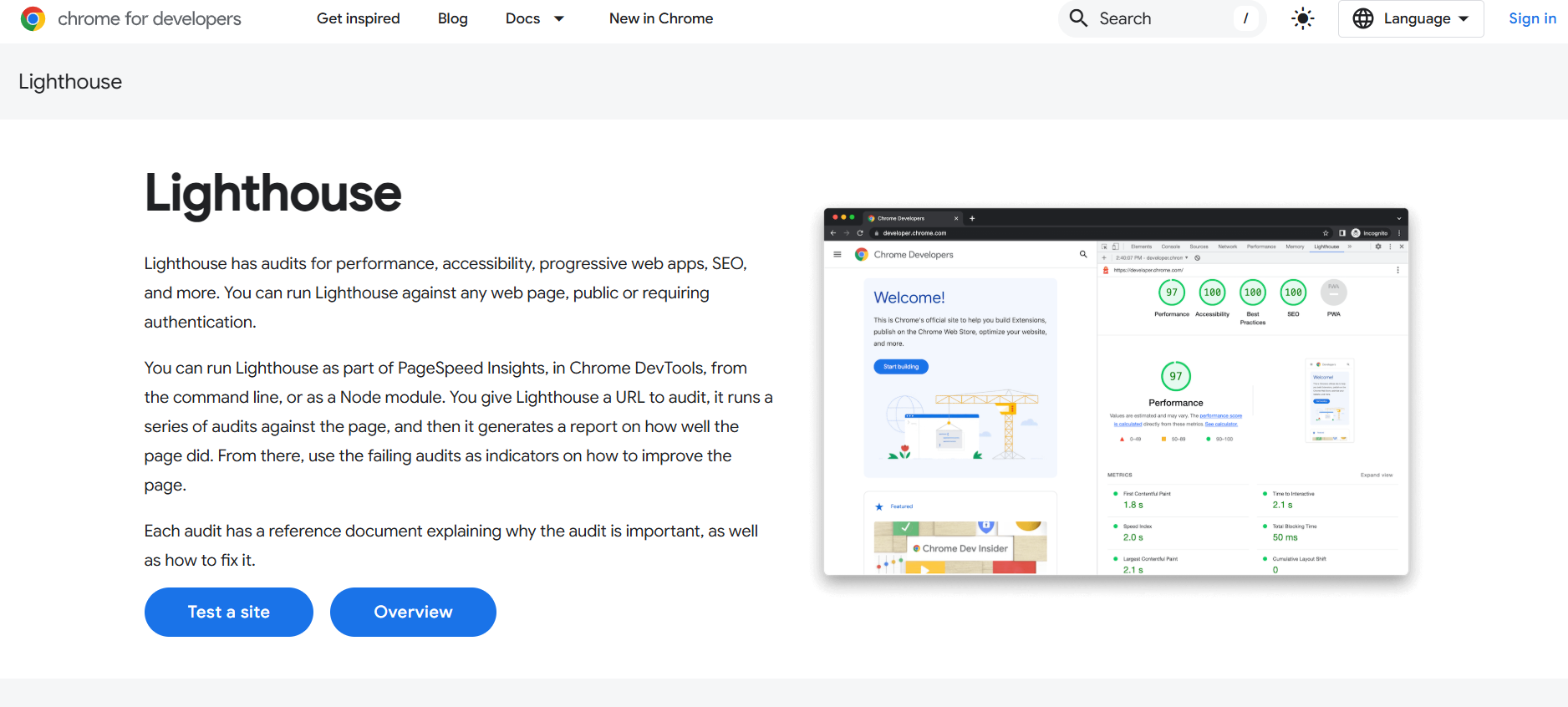
What it is: Google’s performance and accessibility auditing tool built into Chrome.
Why devs love it: With one click, Lighthouse audits contrast ratios, ARIA roles, tab navigation, and more.
It’s incredibly helpful for checking accessibility alongside performance, SEO, and best practices.
Use it when: You’re refining high-fidelity prototypes or validating the final UI before handoff.
4. Pa11y CLI
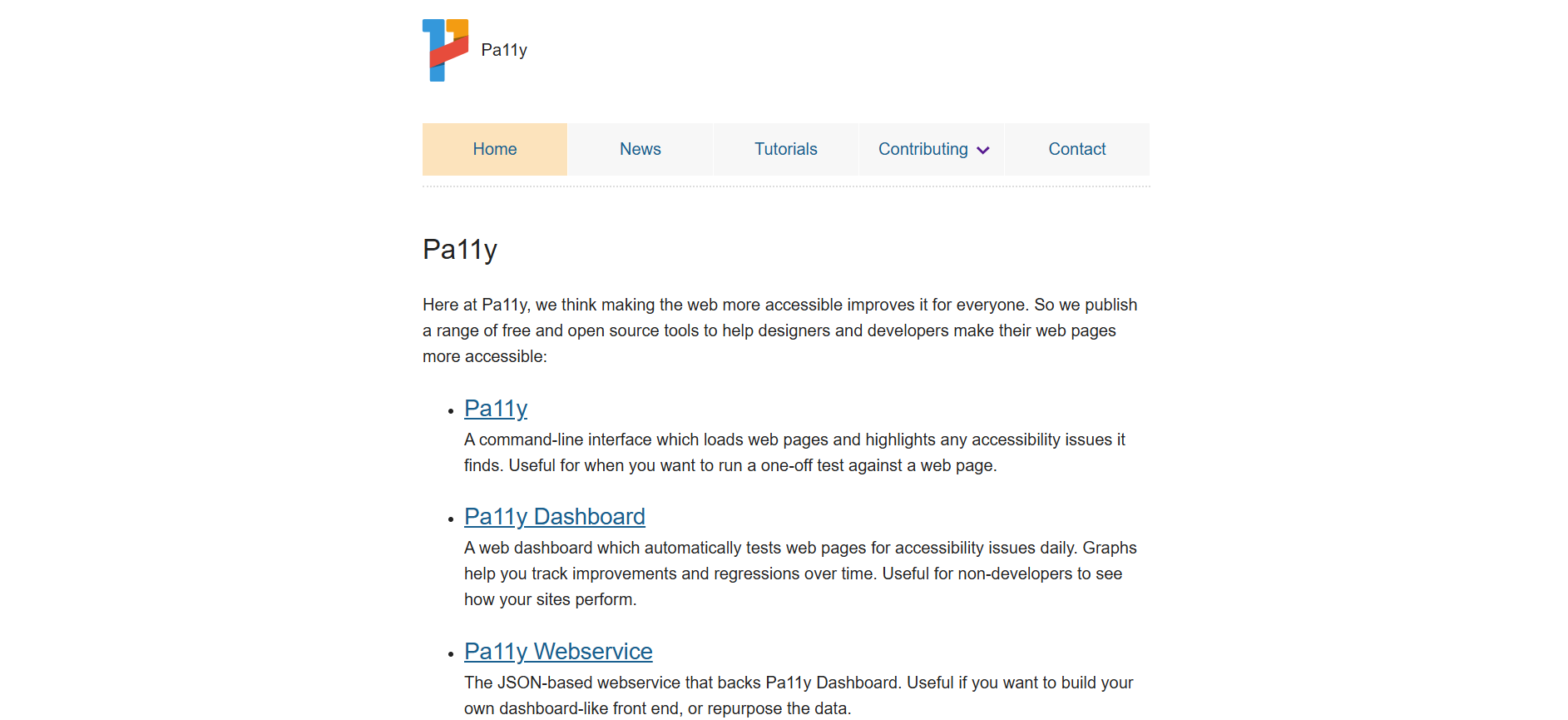
What it is: A command-line accessibility testing tool that runs automated checks on websites.
Why it matters: Pa11y lets you schedule automated accessibility checks within your CI/CD pipeline. Perfect for agile teams that want accessibility baked into their deployment process.
Use case: Schedule checks as part of your deployment workflow.
5. Inclusive Components (by Heydon Pickering)
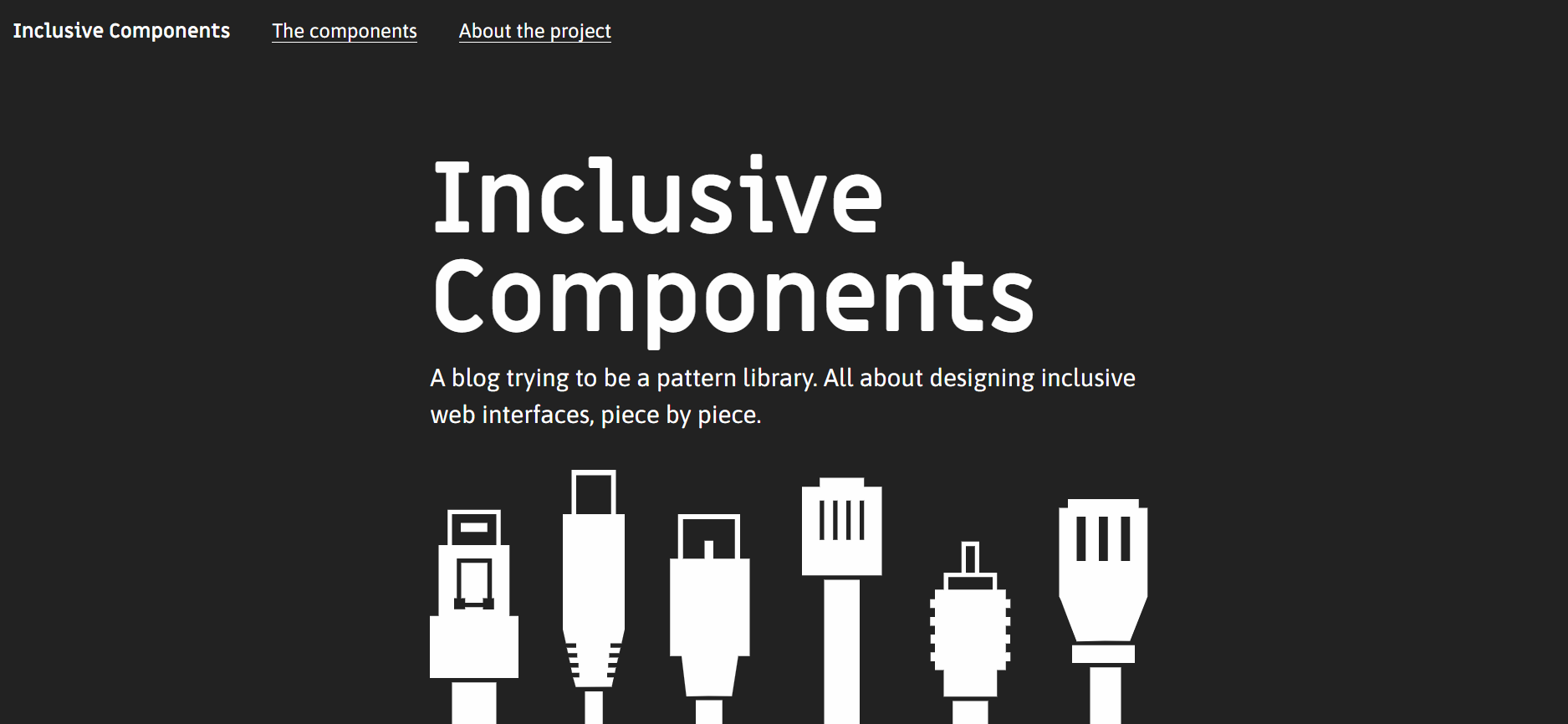
What it is: A developer-focused blog and code collection for building accessible UI components.
Why it rocks: This free online resource covers accessible implementation of modals, buttons, carousels, and more. It’s packed with thoughtful design logic, example code, and testing strategies.
Best for: Devs building custom components during or after a Sprint.
6. MDN Accessibility Docs
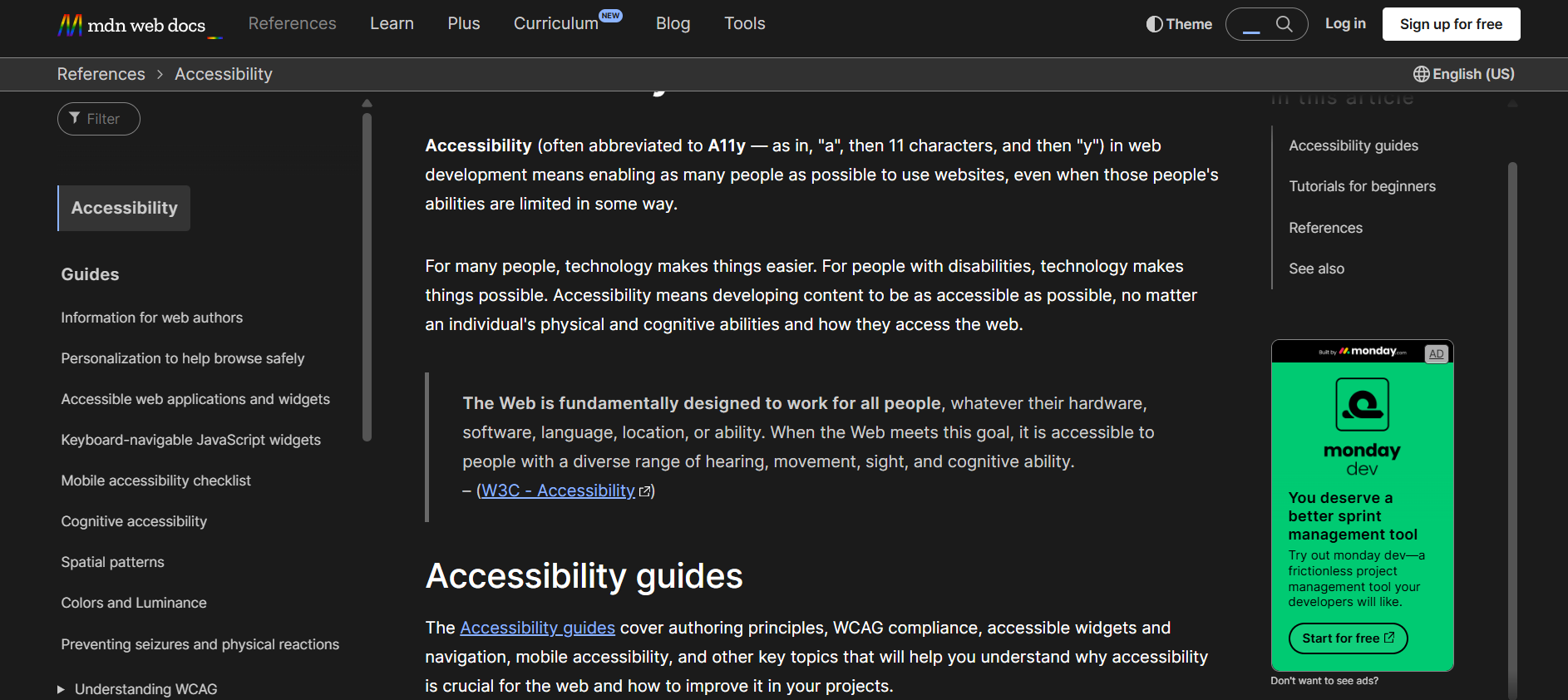
What it is: Mozilla’s highly trusted documentation on accessibility APIs, HTML elements, roles, and more.
Why it’s great: MDN is trusted for a reason. Their accessibility section is comprehensive, well-maintained, and practical.
Whether you need a quick explanation or a deep reference, it’s a go-to resource.
Use it when: You need answers mid-sprint without the fluff.
7. ARIA Authoring Practices (WAI-ARIA Guide)
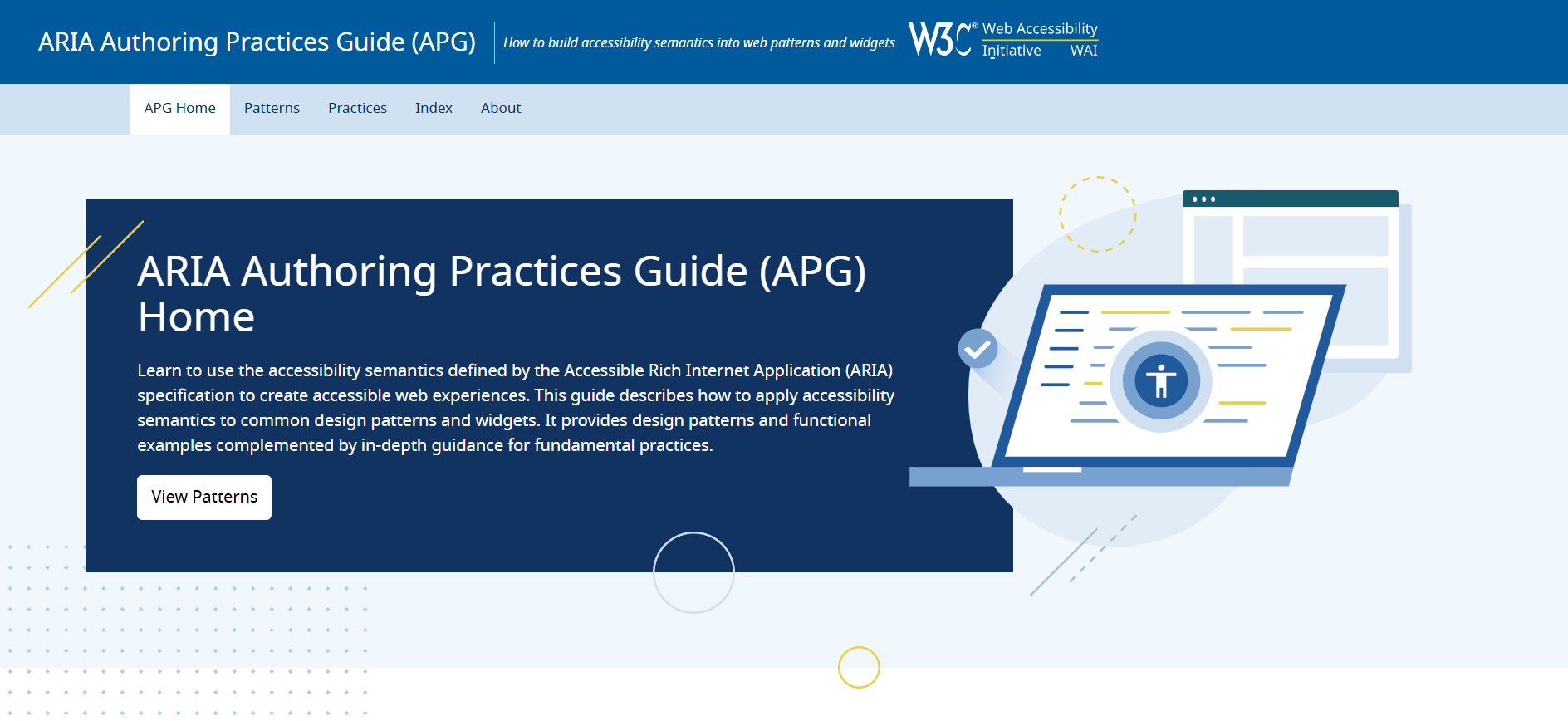
What it is: The official spec + practical examples for using ARIA roles, states, and properties correctly.
Why it’s essential: When you’re customizing elements that aren’t natively accessible (like custom dropdowns), ARIA helps bridge the gap. This guide includes interactive examples and code snippets.
Use it when: You’re extending base components or building complex UIs.
8. Fable – Real User Testing
What it is: A platform where developers and designers can test prototypes with people who actually use assistive technologies.
Why it’s powerful: Automated testing is helpful, but nothing beats feedback from real users with disabilities.
Fable makes it easy to schedule moderated or unmoderated sessions and get actionable insights.
Use it when: You want authentic insights during or after a Design Sprint.
Bonus: Accessibility Plugins for Design Tools 🚀
Stark (Figma, Sketch, Adobe XD): Instantly check color contrast, alt text, and font legibility while designing.
Able (Figma): An inclusive design toolkit with live feedback and practical fixes.
Why they’re great: They let designers bake in accessibility from day one, so developers don’t have to patch things later.
Conclusion: Build Fast, Build for Everyone
You don’t need to choose between speed and inclusion.
With the right accessibility tools, developers can move fast and build experiences that are usable for everyone, from the first sketch to the final release.
During a Design Sprint, you’re not expected to ship a perfect product, but the decisions you make should set you up for long-term success.
By using these accessibility tools early and often, you can spot issues before they become blockers and build better, more inclusive digital products from the start.
👉 Looking for more resources? Explore our library of practical guides and expert articles on inclusive design, rapid prototyping, and accessibility in fast-paced workflows: